
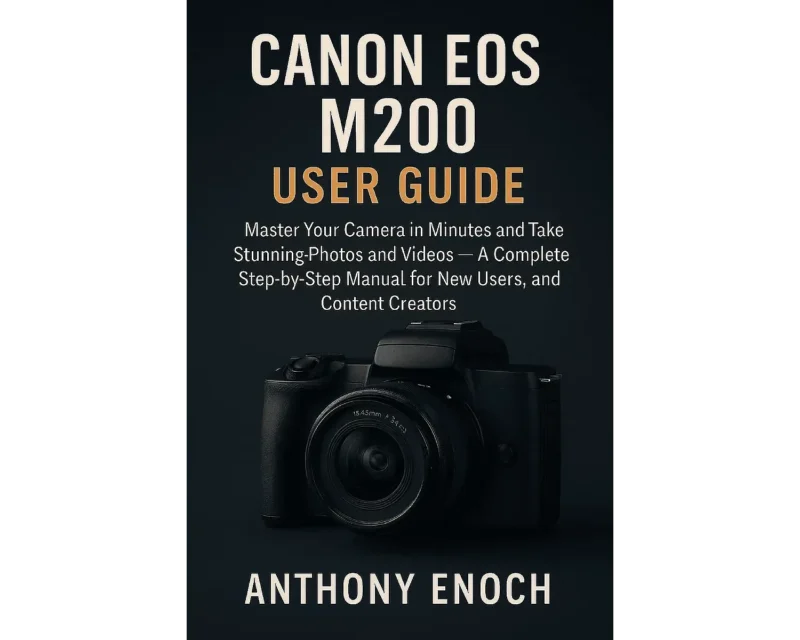
Ebook
Full Frame DSLR Cameras | Canon EOS M200 User Guide
Original price was: $23.99.$6.99Current price is: $6.99.
Explore smartphone user guides, technology books and camera resources for device setup, digital confidence and everyday photography.
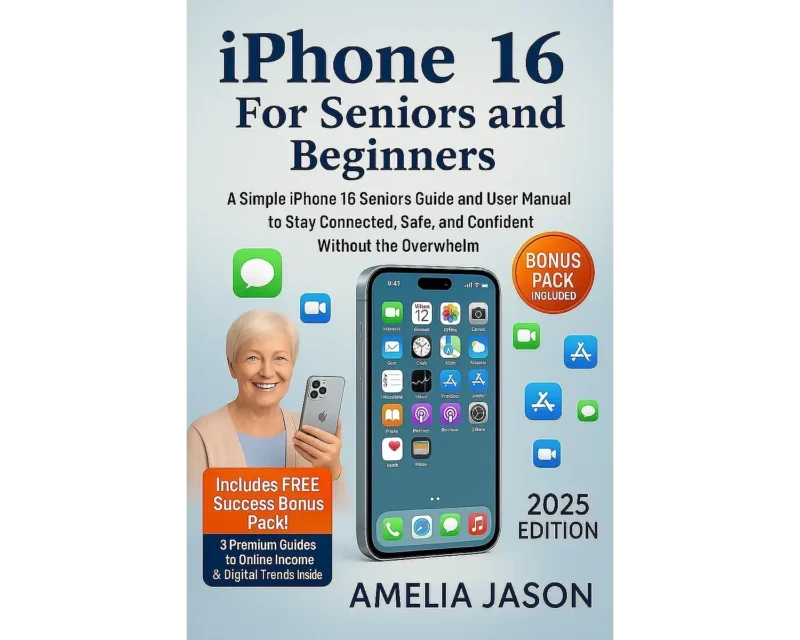
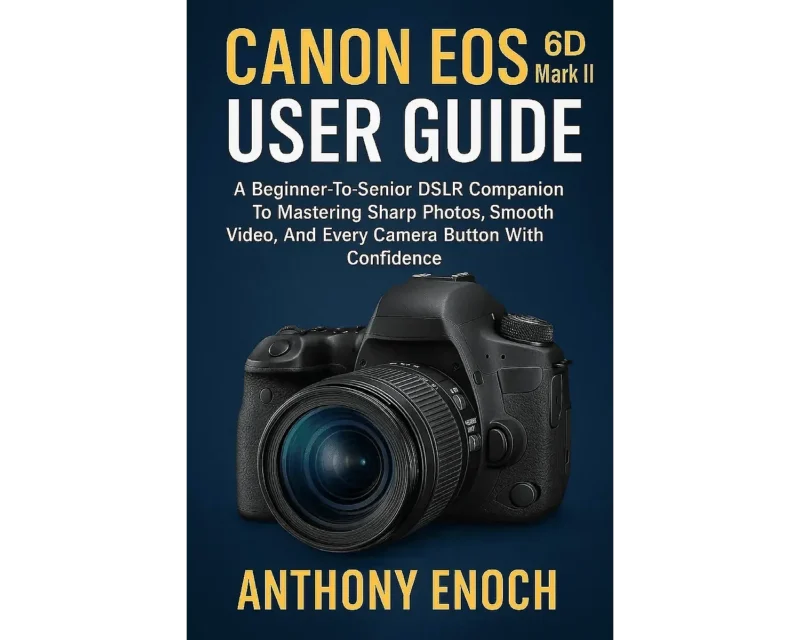
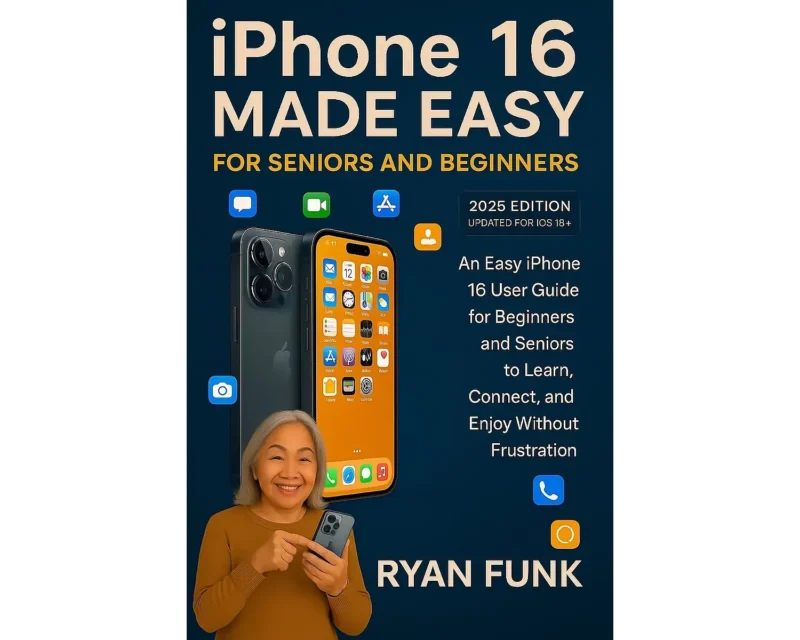
Learn the devices you already own, one useful skill at a time. Browse independent smartphone and camera books that explain setup, everyday controls and photography without assuming previous technical experience.
Learning technology is easier when the instructions match the device in your hands and the task you want to accomplish. A smartphone guide can help you find your way through settings, messages and everyday communication; a camera handbook can explain exposure, focusing and the controls that shape a photograph. Choose the model and level of guidance that fit your needs rather than trying to learn every feature at once.
Our iPhone 16 books approach the same family of devices from different learning needs. A general beginner guide helps with first-time setup and familiar tasks. A plain-language reference is useful when you want to revisit instructions later. The iPhone 16 Pro handbook concentrates on that model, so readers should check the exact name and software version of their phone before choosing a book.
The Canon EOS M200 is an APS-C mirrorless camera; the EOS 6D Mark II is a full-frame DSLR. Their controls, menus and shooting systems differ. Our model-specific books are intended to help readers connect camera settings with real photographic decisions. Start with the guide for your own model, practice a single setting in familiar conditions, then return to the book when a new question arises.
Device software, menus and security recommendations can change after a book is published. For current updates, compatibility, repair or account-recovery instructions, consult the manufacturer. The books in this collection are independent learning resources rather than official manuals or a substitute for technical support.
Start with a book for the exact device you own and the task you want to learn. The smartphone guides suit iPhone users; the camera guides are written for the named Canon models.
The three iPhone titles are intended for seniors and beginners. Their approaches differ, so compare the book descriptions and previews before choosing.
Some everyday iPhone features overlap, but model-specific controls and camera options can differ. For the closest match, select the book written for your device.
No. The M200 is an APS-C mirrorless camera, while the EOS 6D Mark II is a full-frame DSLR. Choose instructions for your exact model.
The principles and many everyday tasks remain useful, but menus, features and security guidance can change. Check the current manufacturer documentation when an instruction no longer matches your device.
No. These are independently published learning books. Use the official manufacturer support website for current technical support, firmware, warranty and account issues.
Choose one practical task, follow the relevant instructions at your own pace, and repeat it until it becomes familiar. Keep a note of the steps you want to remember and consult current official documentation when necessary.