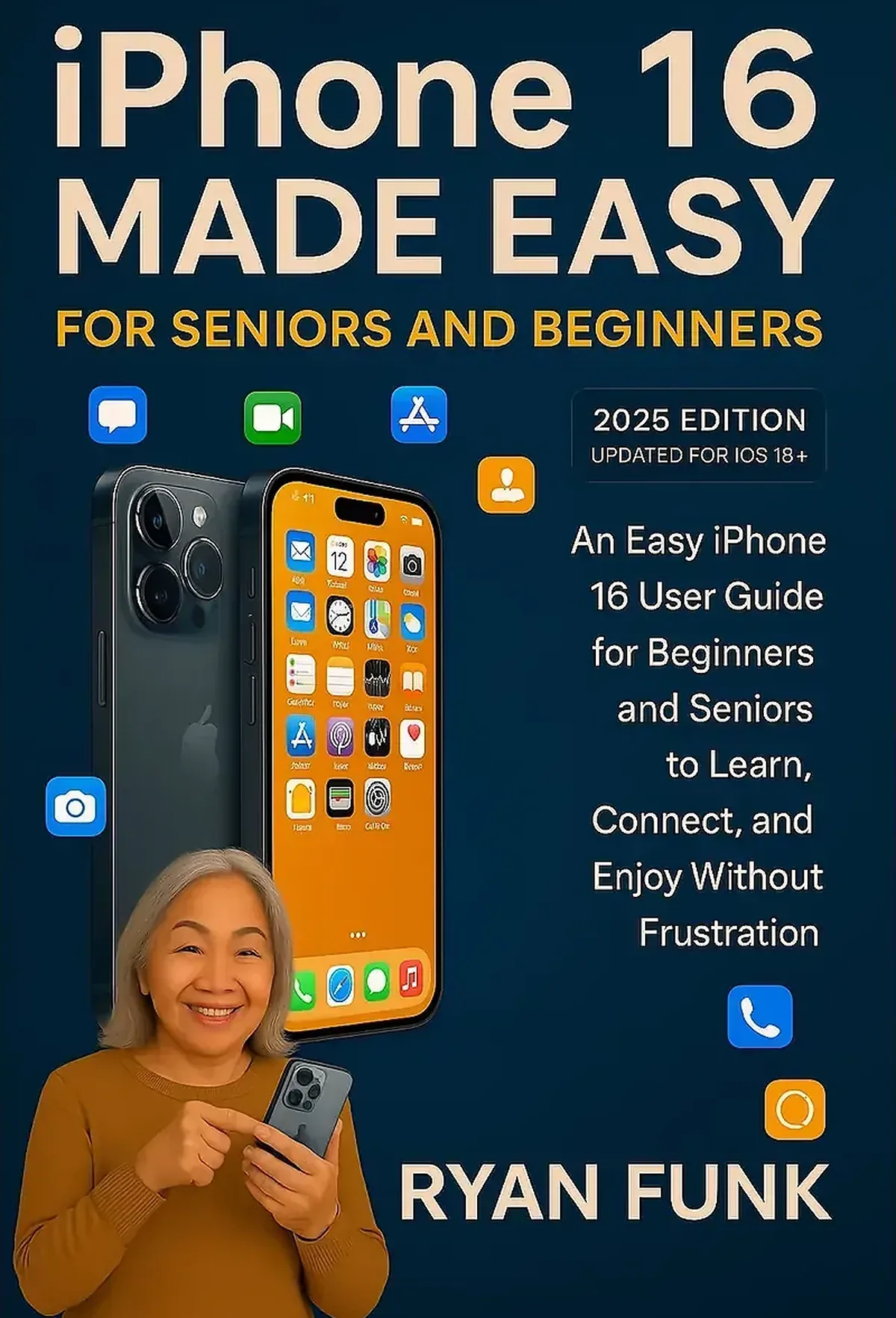
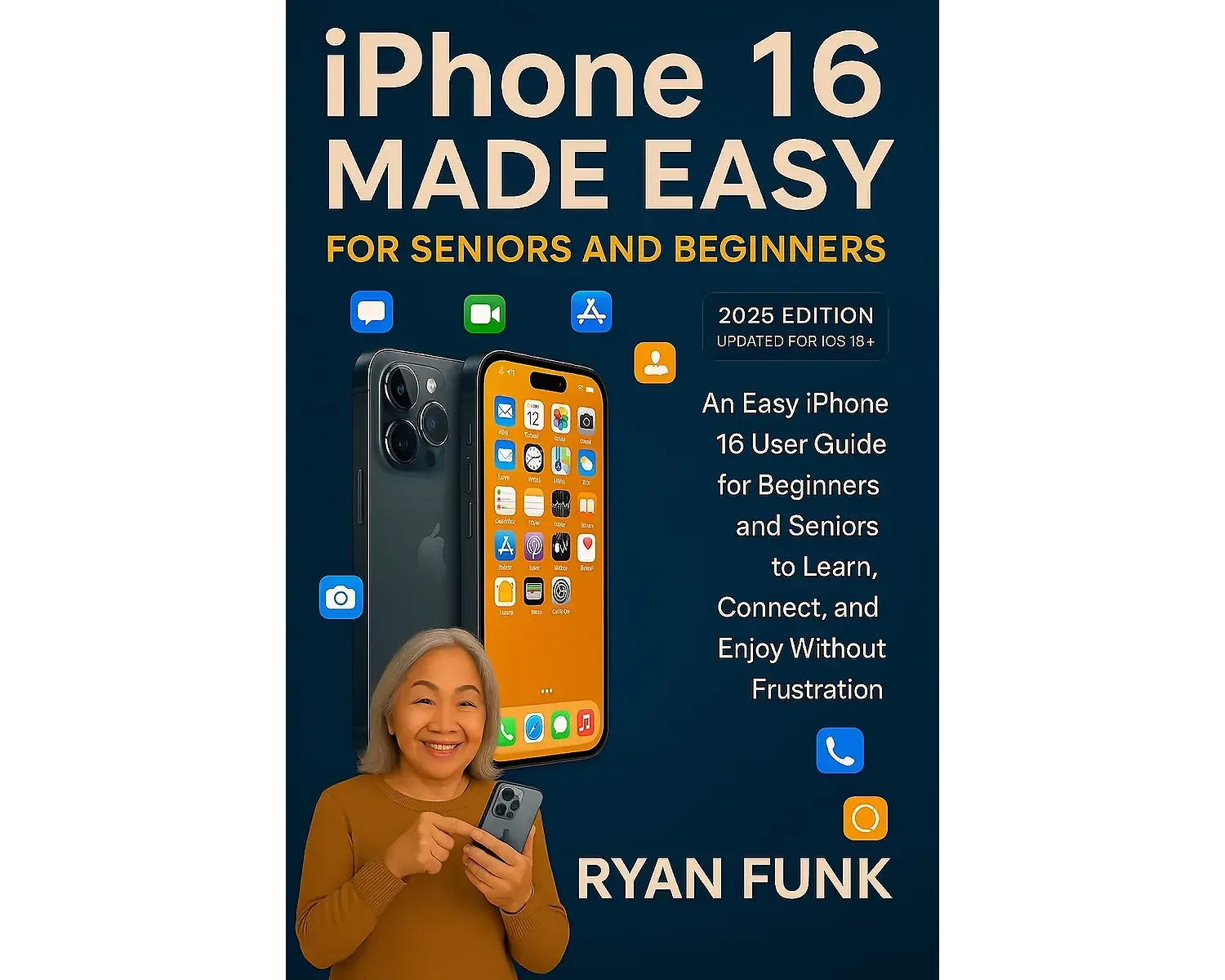
iPhone 16 Made Easy For Seniors and Beginners is a plain-language guide for readers who want to use the iPhone 16 with more confidence and less frustration. It starts with the essentials—setup, navigation, calls, messages, contacts, photos, apps, Wi-Fi, Bluetooth, privacy, accessibility, and troubleshooting—then builds toward the everyday features people are most likely to use.
The book is written for seniors, first-time iPhone owners, people moving from an older phone, and family members or caregivers helping someone get comfortable with a new device. The explanations are intentionally direct and beginner-friendly, with step-by-step guidance designed to reduce technical jargon and make common tasks easier to follow.
Learn the iPhone 16 one practical task at a time
You do not need to understand every setting on day one. This guide focuses on useful actions: turning the phone on and completing setup, finding the right controls, making and receiving calls, sending messages, taking and sharing photos, using FaceTime, connecting to Wi-Fi, managing apps, using Siri, adjusting accessibility options, and solving common problems.
The guide also covers privacy and safety basics, including unwanted calls, app permissions, safer account habits, and ways to make the phone easier to see, hear, and control. The goal is not to turn a beginner into a technician. It is to help the reader feel comfortable using the phone independently for everyday life.
What the guide covers
- Getting started: initial setup, Apple Account basics, Face ID, passcode, charging, and essential settings.
- Calls and communication: Phone, Contacts, Messages, email, and FaceTime.
- Camera and photos: taking pictures, reviewing them, organizing them, and sharing them with family and friends.
- Apps and the App Store: finding, downloading, organizing, updating, and removing apps.
- Internet and connections: Wi-Fi, Bluetooth, cellular settings, and common connection problems.
- Siri and voice features: using voice commands for reminders, messages, questions, and everyday tasks.
- Accessibility: useful settings for text size, display, vision, hearing, touch, voice, and easier interaction.
- Privacy and safety: understanding permissions, reducing unwanted calls, and recognizing common scam patterns.
- Battery and storage: checking battery use, managing space, and avoiding common storage surprises.
- Troubleshooting: practical steps for frozen screens, app issues, connectivity problems, and other common frustrations.
Written for real beginners
The book assumes that some readers may be using an iPhone for the first time. Instructions are organized around real tasks instead of technical terminology, so readers can look up what they need, follow the steps, and return later when they are ready to learn something new.
It can also be useful for adult children, caregivers, and family members who regularly help someone with a phone. Having one reference for setup, communication, safety, accessibility, and troubleshooting can reduce the need to remember every instruction from a conversation.
A note about iOS updates
This edition includes guidance written around the iPhone 16 and iOS 18-era interface. Apple continues to update iOS over time, so some menu names, icons, screens, and available features may look different on a fully updated iPhone 16. The underlying skills—navigation, calls, messages, photos, apps, settings, privacy, accessibility, and troubleshooting—remain the core focus of the book.
If you want a calm, step-by-step introduction to the iPhone 16 without assuming prior technical knowledge, iPhone 16 Made Easy For Seniors and Beginners provides a structured place to start.